

Taboola Image Pixel
The ability to generate an IMG tag code is now available within Realize which may be right for you if you are unable to place Javascript tag across your sites. This flow is fully GDPR and CCPA compliant.
How to implement an Image Pixel Tag
- Navigate to the tracking tab in Realize
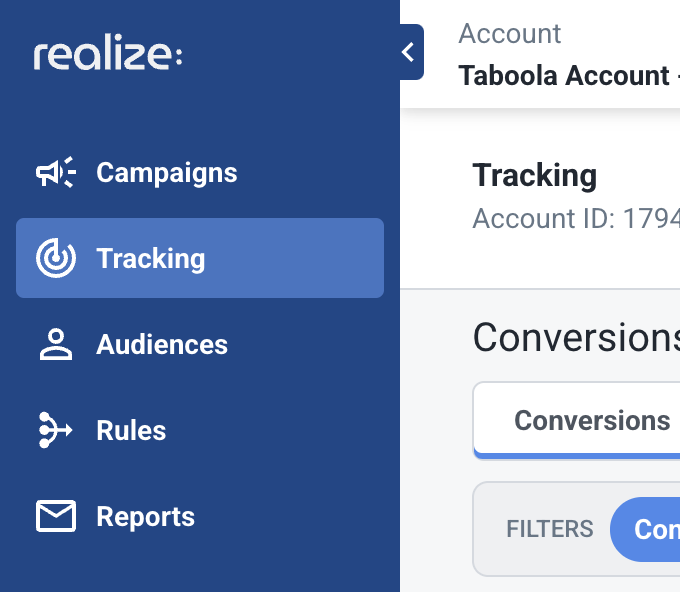
- Click on the Account Tracking Setup button at the far right
- Select Manually as the Setup Method
- Click on Continue
- Scroll down past the javascript code section and click on the dropdown arrow as shown here:
- Here you can copy the image pixel code to implement on your site
How to implement an Image Pixel conversion event
- To implement an event or conversion pixel, navigate to the Tracking Tab and this time, click on +New Conversion You can also edit a current conversion by clicking on the pencil icon next to an existing conversion. Remember it can only be an event based conversion.
- Once the conversion page, scroll down to the Advanced Option dropdown:
- Here you can find the image pixel which you can copy to the clipboard to be implemented on your site.
And that's it!
✅ If you have any questions or concerns, please contact your Account Manager, email us at [email protected], or reach out via chat within Realize.
Updated 6 months ago
Did this page help you?